There is no shortage of advice on how to spot a fraudulent text message: spelling mistakes, shortened links, alarmist tone, unknown number. But almost no one explains what to do once your finger has already tapped the link. And yet that is precisely the moment when everything is decided. Between the click and the actual exploitation of your data by the fraudsters, several hours usually pass — sometimes several days. That window is your room for manoeuvre.
This guide is not a theory lesson. It is an emergency protocol, designed to be followed in order, with one simple goal: limit the damage, then regain control. It is for everyone — including those who, a few minutes earlier, were convinced that "this only happens to other people". In 2026, smishing campaigns impersonating the French health insurance system, delivery companies, the tax authorities or even the Banque de France are of such graphic quality that instinctive suspicion is no longer always enough.
First: assess what you actually did
Not all clicks are equal. Before panicking, take thirty seconds to work out where you stand. The severity level determines the scale of the response.
| What you did | Risk level | Main response |
|---|---|---|
| Opened the text, without clicking | Very low | Delete, report to 33700 |
| Clicked the link, page opened then closed | Low to moderate | Check the device, change critical passwords |
| Entered a username and password | High | Change passwords immediately, alert the service concerned |
| Entered bank details or a code received by text | Critical | Block the card immediately, file a complaint |
| Installed an app from the link | Critical | Isolate the device, uninstall, possibly factory reset |
One point deserves clarifying, because it causes a great deal of needless anxiety: on an up-to-date smartphone, simply opening a booby-trapped web page does not magically install a virus. So-called "zero-click" attacks do exist, but they are rare, expensive and reserved for high-value targets. In the vast majority of consumer smishing cases, the danger comes from what you typed on the page, not from the code it contained. That is good news: if you entered nothing and installed nothing, you are probably unharmed.
The first ten minutes: cut off and isolate
1. Cut the connection if you installed something
If the link made you download an .apk file on Android, or if you authorised a "configuration profile" on iPhone, switch to aeroplane mode immediately. That severs the communication channel between the malicious app and the attackers' server. Many of these apps are designed to intercept incoming text messages — and therefore banking verification codes — and forward them in real time.
2. Don't type anything else on that device for now
Until you have checked the state of the phone, avoid entering your passwords on it. Use another device: the family computer, a tablet, a relative's phone. This is when a spare laptop or a simple touchscreen tablet, kept at home for admin tasks, proves its worth: having a second, clean device changes everything in this kind of situation.
3. Write everything down, right away
Screenshot of the text (including the sender's number), time of arrival, the link address, the time you clicked, and what you entered. These details will be requested when you report the incident and, where relevant, when you file a complaint. A simple spiral notebook kept near the phone makes this step far less painful than hunting for a file to create in a hurry.
The next hour: secure your accounts
4. Change your passwords — but in the right order
The classic mistake is to change the password of the impersonated service first. That is not the priority. Start with your main email address: it is the keystone, the one that allows every other account to be reset. Only then deal with the rest, in order of sensitivity.
- Main email account
- Bank account and payment apps
- Mobile operator account (often forgotten, yet central)
- Government accounts: tax, health insurance, digital ID services
- Social media and online shopping
Each password must be unique. If you reuse the same combination everywhere, the compromise of a single service becomes the compromise of your entire digital life. That is precisely what attackers test first, through what is known as "credential stuffing". A password manager — or failing that, a paper password book kept out of sight — is infinitely better than a variation on your children's names.
5. Check two-factor authentication and open sessions
In the security settings of your main accounts, look for the "connected devices" or "active sessions" section. Log out of anything you don't recognise. Also check that the recovery phone number and email address have not been changed: that is the first thing an attacker alters in order to lock the victim out of their own account.
While you're there, strengthen two-factor authentication. If your sensitive accounts still rely solely on a code sent by text, consider an authenticator app, or even a physical USB security key for your main email: it is currently the only factor genuinely resistant to phishing, because it verifies the site's address before releasing anything.
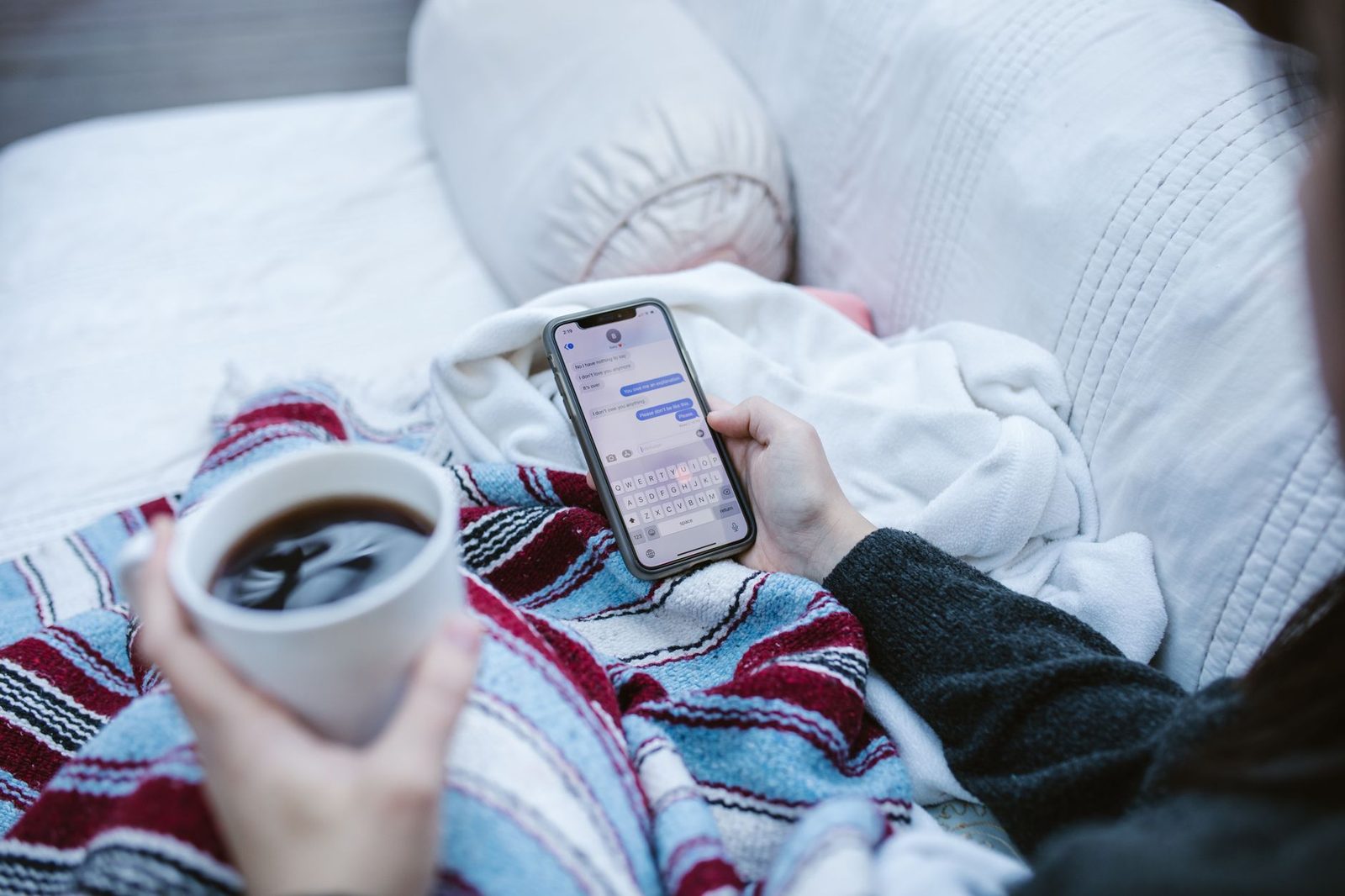
If your bank details have been leaked
This is the most stressful scenario, and the one where speed matters most.
6. Block your card without delay
Call your bank's emergency number immediately — it is on the back of your card and in your banking app. Failing that, the interbank card-blocking service, available 24/7, blocks the card across all institutions. Explicitly ask for:
- the card in question to be blocked;
- enhanced monitoring to be placed on the account;
- online payments to be temporarily disabled;
- confirmation that no new transfer payee has been added.
That last point is crucial. In recent frauds, the scammer does not always use the card: they add a payee and initiate a transfer, then call you to get you to validate the confirmation code under the pretext of "securing" your account. The Banque de France, whose identity is regularly impersonated by these networks, reminds the public that no official body will ever ask you to validate a code, disclose a password or transfer your funds to a "secure account".
A legitimate bank adviser will never ask you to read out a code received by text. If they do, they are not a bank adviser.
7. Know your rights on reimbursement
French monetary and financial law provides that the bank must refund unauthorised payment transactions, unless it can prove gross negligence on your part. Where that line falls is sometimes disputed, but having been deceived by a site that perfectly mimicked your bank's, or by a call from a spoofed number, works in your favour. Contest the charge in writing, by registered post, and keep a copy of your complaint filing. If refused, you can refer the matter to the banking ombudsman and then to the ACPR.
Reporting: useful, free, and far too rarely done
8. Forward the text to 33700
33700 is the official platform for reporting unwanted texts and calls in France, run by the telecom operators under public authority oversight. The procedure takes two steps: forward the message you received to 33700, then reply to the confirmation text stating the fraudulent sender's number. It is free, and it feeds a database used to shut down the sending numbers.
9. Report the site to the official platforms
- Cybermalveillance.gouv.fr: online diagnosis, referral to service providers, detailed action sheets.
- Phishing Initiative / Signal Spam: to get the fake site's address blacklisted by browsers.
- Internet-signalement.gouv.fr (PHAROS): reporting illegal content.
- Filing a complaint: at a police station, gendarmerie, or online via the online fraud complaint service. Your bank will ask you for the case reference number.
If you entered complete identity details (name, address, social security number, copy of an ID document), report that too: identity theft is built from these elements, often months later.
10. Warn the people around you
If your email account or instant messaging account has been compromised, your contacts will in turn receive booby-trapped messages, bearing the seal of trust your name confers. A simple warning message to the family prevents a chain reaction. This is especially true for elderly relatives, who are statistically more targeted and less well equipped.
Cleaning the device: what helps, what doesn't
If you installed an app from the link, simply uninstalling it is not always enough. On Android, first check in the accessibility settings and under "apps with special access" that no unknown app has extended permissions: that is the favourite mechanism of banking trojans for reading the screen and intercepting texts. Revoke those permissions before uninstalling, otherwise removal will be blocked.
Then restart in safe mode to uninstall the stubborn app. If doubt persists, a factory reset remains the only real guarantee — hence the importance of an up-to-date backup. An external hard drive or a microSD backup card, updated once a month, turns an emergency reset into a mere formality.
On iPhone, go to Settings → General → VPN & Device Management, and delete any configuration profile you did not install yourself. Also check your subscriptions and saved payment methods.
In all cases, apply any pending system updates. Most malicious code exploits flaws that were patched months ago: staying up to date remains the most cost-effective protection there is.
The following weeks: the long watch
Text message fraud is not settled in an afternoon. Stolen data circulates, gets resold, and resurfaces months later.
Check your bank statements line by line, including micro-debits of a few cents: these are card validity tests carried out before a larger operation.
Expect a surge in calls and texts. A victim who has "bitten" once is logged as a receptive target and sold on as such. Fraudsters often follow up under the guise of an "anti-fraud service" offering to recover the money you lost — that is a second scam, known as a "recovery scam".
Check your government accounts. Fraudulent access to health insurance, tax or benefits accounts allows reimbursements to be diverted by simply changing the bank details on file. The French health insurance service regularly publishes alerts about these campaigns and reminds people that it never asks for bank details by text.
Document everything in a single file. Letters, screenshots, case numbers, call dates. If a dispute develops with your bank or a public body, that paper trail makes all the difference.
Reducing the attack surface for next time
There will be no definitive vaccine against smishing: as long as mass messaging costs a few cents, the campaigns will continue. What you can do, however, is reduce your exposure.
- Compartmentalise your accounts. One email address for shopping and sign-ups, another reserved for banking and government services. The day the first one leaks, the second stays out of reach.
- Limit how widely you share your number. Every form you fill in is a potential entry point into resold databases.
- Lock your SIM card. A non-obvious SIM PIN makes line theft harder, and with it the interception of verification codes.
- Educate those around you. A good accessible book on cybersecurity for the home, left on the living room table, often has more effect than a long lecture.
- Never call back a number provided in a message. Look up the organisation's official number yourself.
The key takeaways
Clicking a fraudulent link is neither a moral failing nor proof of naivety. These messages are designed by professionals who test, measure and optimise their wording the way you would optimise an advertising campaign. The feeling of shame that follows is in fact victims' main enemy: it delays reporting, card blocking and complaints — in other words, everything that could have limited the damage.
The right approach comes in three stages: cut off whatever can still communicate, secure your accounts in order of importance, report in order to protect yourself legally and protect others. The rest is a matter of patience and vigilance.
And for the future, one simple principle deserves to be pinned up somewhere in the house: no legitimate organisation — bank, government body, mobile operator, courier — will ever ask you, by text, to confirm a code, a password or your bank details urgently. The day a message pressures you to act within twenty-four hours is precisely the moment to do nothing at all, put the phone down and call the real number.