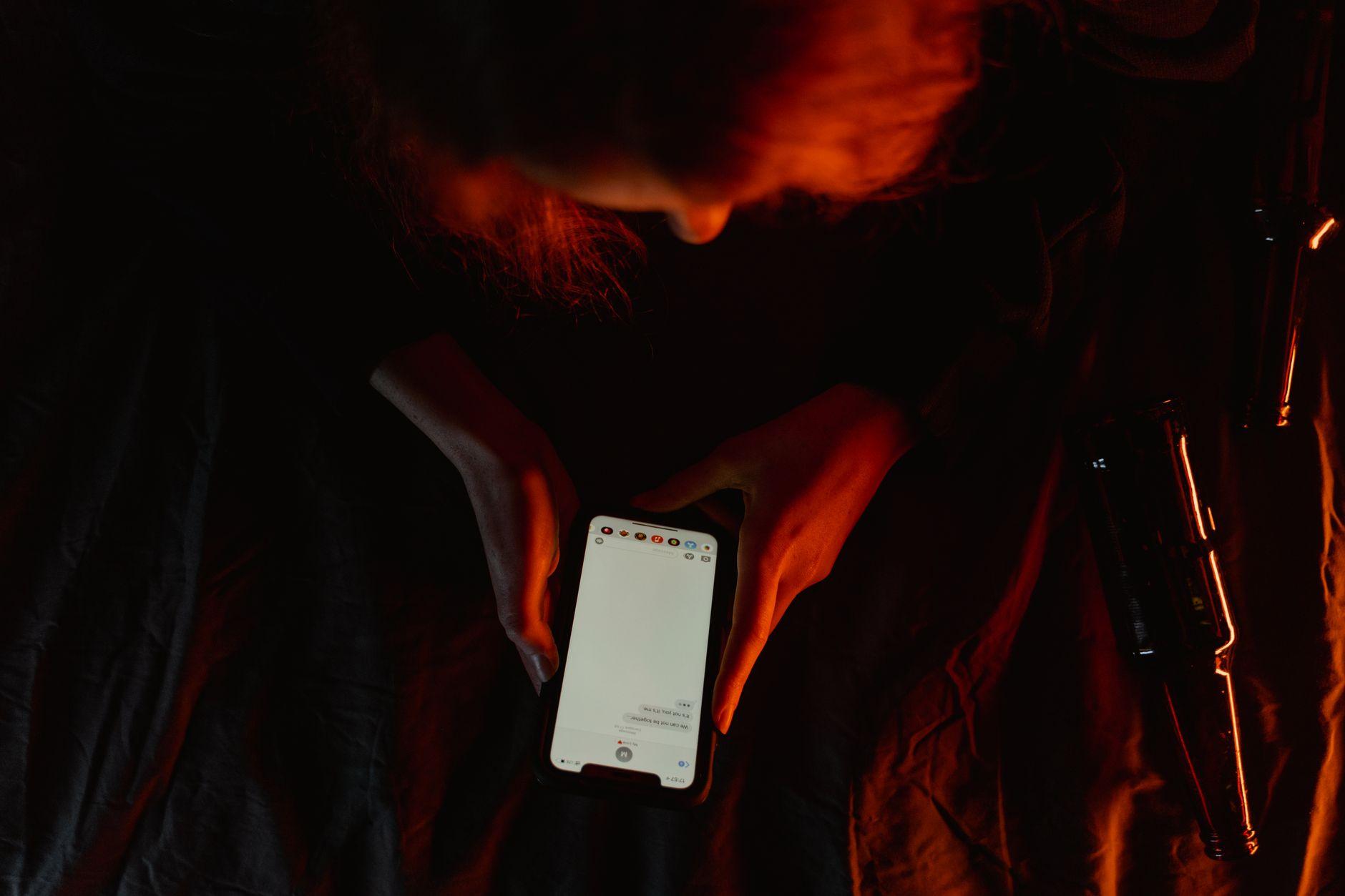
Introduction: The Silent Threat of Spyware
While we have learned to be wary of suspicious links received via SMS or phishing emails, a far more insidious threat has settled into our pockets: spyware. Unlike smishing, which aims to push you toward an immediate action (clicking, paying, filling out a form), spyware plays the invisibility card. Once installed, it does not seek to attract your attention; on the contrary, its success depends on its ability to remain totally undetectable for months, or even years.
By 2026, the line between legitimate surveillance tools (parental controls, corporate fleet management) and malicious software has blurred. These programs can intercept your SMS, listen to your calls, activate your microphone remotely, and even capture every keystroke on your keyboard (keylogging). In a world where our smartphone has become the pivot of our digital identity, a spyware infection means not just the loss of data, but a total violation of privacy.

How is Spyware Installed?
Spyware installation can happen in two ways: through a voluntary (though deceptive) interaction by the user, or via complex technical vulnerabilities.
Social Engineering and Smishing
This is the most common route. A fraudulent SMS prompts you to download a critical system update or an essential "security" app. By clicking the link, you install an APK file (on Android) or a configuration profile (on iOS) that opens a backdoor for attackers.
"Zero-Click" Attacks
More sophisticated and formidable, zero-click attacks require no action on your part. They exploit unpatched vulnerabilities in messaging apps or the operating system itself. A simple received message, even if unopened, can be enough to trigger the execution of malicious code. This is the operating mode used by state-grade spyware, for which vulnerabilities have recently been reported for iPhone and Android.
Physical Access
Often forgotten, physical installation remains a major vector. It takes only a few minutes of unsupervised access to an unlocked phone to install a hidden surveillance app, often camouflaged under the name "Calculator" or "System Settings."
Warning Signs: How to Detect the Invisible?
Since spyware is designed to be discreet, it does not cause massive crashes. However, its activity consumes system resources, which leaves traces.
1. Performance and Battery Anomalies
Spyware must send collected data to a remote server. This permanent process strains the processor and the battery.
- Rapid Drain: Your battery drops visibly even though your usage hasn't changed.
- Unexplained Overheating: The phone becomes hot even when it is on standby or in your pocket.
- Slowdowns: Sudden lags when opening simple applications.
2. Suspicious Network Behavior
Data exfiltration consumes bandwidth.
- Data Consumption Spikes: Check your consumption settings. If an unknown app or "System" is consuming several gigabytes of data in the background, it is a major red flag.
- Nightly Network Activity: The phone continues to transmit data while you are not using it.
3. Visual and Behavioral Signs
- Indicator Lights: In recent versions of Android and iOS, a green or orange dot at the top of the screen indicates that the microphone or camera is active. If this dot appears without you using a corresponding app, you are likely being spied on.
- Unexpected Restarts: The software may cause system micro-crashes during its automatic updates.
Neutralization and Cleaning Strategies
If you suspect the presence of spyware, reactivity is paramount to limit data leakage.
Emergency Measures
- Airplane Mode / Disable Wi-Fi: Immediately cut all internet connections to stop the exfiltration of data to the hacker's server.
- App Audit: Go through the full list of installed applications in the settings (not just on the home screen). Delete any program you do not recognize.
- Revoke Device Administrators: On Android, check Settings > Security > Device Administrators. Spyware often grants itself administrative rights to prevent uninstallation.
The Radical Solution: Factory Reset
For the most stubborn spyware (those installed at the system or root level), the only guarantee of cleaning is a full factory reset.
Warning: Before this operation, back up your photos and contacts manually. Do NOT restore a full system backup, as you might reinstall the spyware along with your data.
The Case of Jailbreak/Root
If you find that your phone has been "rooted" (Android) or "jailbroken" (iOS) without your consent, it is irrefutable proof of compromise. These processes break the manufacturer's security barriers to allow the installation of unauthorized software.
Prevention Guide: Building a Mobile Fortress
The best defense remains anticipation. Here is how to harden your device in 2026.
System Securing
- Systematic Updates: Security patches close the gaps used by zero-click attacks. Never wait to install an OS update.
- Disable Installation from Unknown Sources: On Android, ensure that the "Install unknown apps" option is disabled for all browsers and file managers.
- Robust Locking: Use strong biometrics coupled with a complex code to prevent the physical installation of spyware.
Communication Protection
To make intercepted data useless, use encrypted channels.
- End-to-End Encryption: Prioritize messaging apps like Signal or WhatsApp for sensitive conversations. Even if spyware captures the screen, the network traffic remains unreadable.
- Two-Factor Authentication (2FA): Use authentication apps (Google Authenticator, Authy) rather than SMS, as the latter are easier to intercept via spyware or spoofing.

Summary Table: Smishing vs Spyware
It is crucial not to confuse these two threats, as their mode of operation and treatment differ.
| Feature | Smishing (Phishing) | Spyware (Spy Software) |
|---|---|---|
| Objective | Immediate theft of credentials/money | Prolonged and discreet surveillance |
| Visibility | Very visible (incoming SMS) | Invisible (hidden process) |
| Action Required | Clicking a link or replying | Installation (often invisible) |
| Duration | One-time action | Persistent infection |
| Solution | Block number, report | Factory reset, OS update |
Conclusion: Toward Active Vigilance
The era of digital carelessness is over. In 2026, the security of our smartphone no longer depends solely on manufacturers, but on our own ability to detect anomalies. Spyware is the weapon of silence, and its only flaw is the consumption of resources.
Stay attentive to your battery health, monitor your data consumption, and above all, never consider your device as totally inviolable. By adopting strict digital hygiene and using encrypted communication tools, you drastically reduce the attack surface and protect what now has the most value: your privacy.