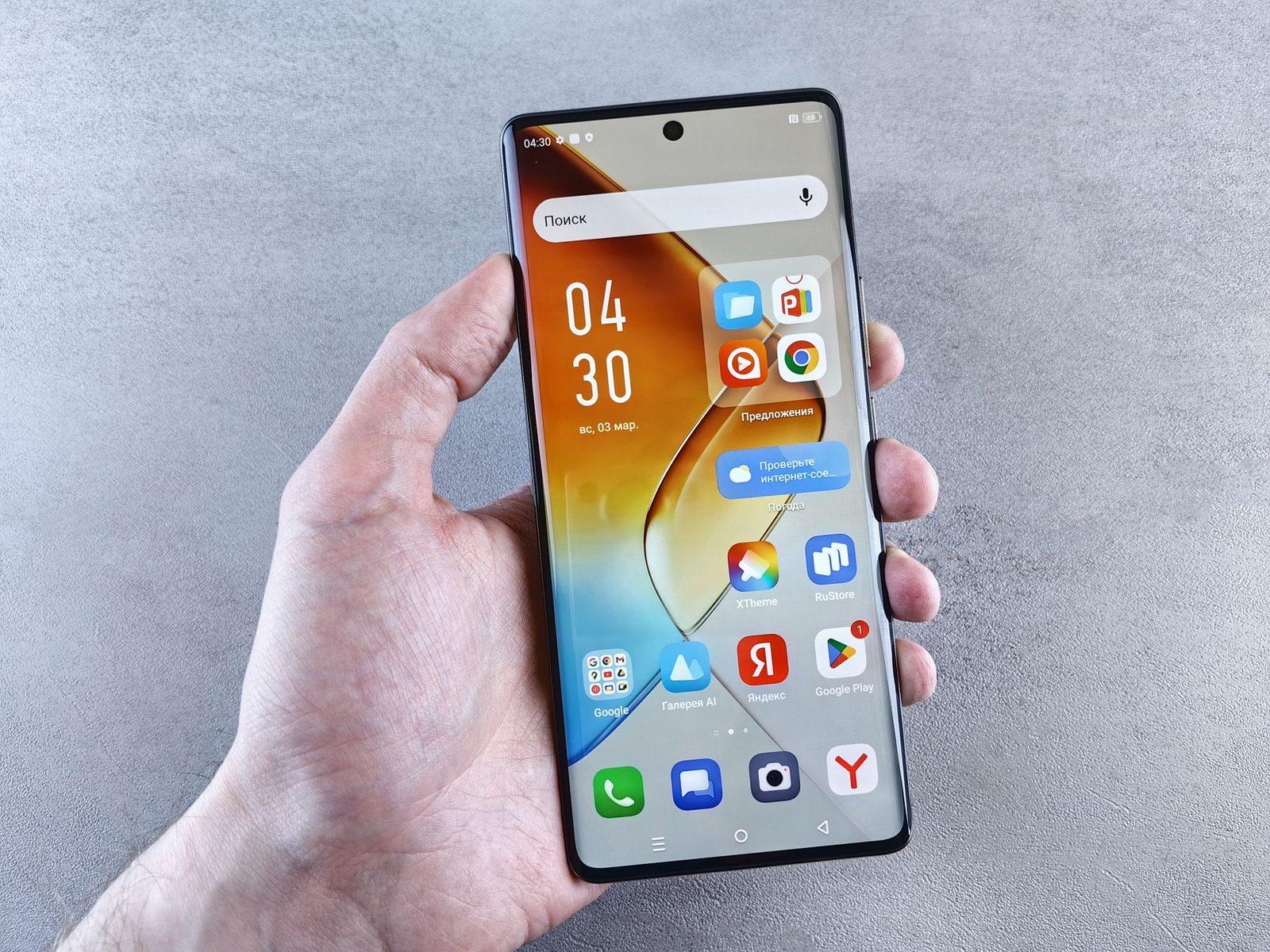
Fast Messaging Without Complex Interfaces: Why Web-Based Text is Ideal for Tech-Challenged Users
By 2026, the digital ecosystem has become significantly more complex. Applications are ubiquitous and often essential for daily functioning. However, this proliferation of tools demands constant management: mandatory updates, required secure connections, multiple permissions requested by the system. For many people, especially those who don't feel entirely at ease with mobile technologies or have cognitive and physical limitations, this cognitive load is a significant obstacle.
This is where using a free web service for sending text finds its place. Unlike apps installed on the phone (iOS), these tools work directly within your internet browser without requiring complex downloads or prior registration. This distinction is fundamental: you can use a computer, tablet, or smartphone to access the service immediately.

The Advantage of Visual and Functional Simplicity
One of the initial barriers to using online SMS is often appearance. Modern apps are full of options: notifications, category filters, social media integrations... These elements can overwhelm an already unfamiliar interface for a non-expert user.
The web-based text service, on the other hand, provides a clean white page or clear input zone. You simply type your message and click "Send". There are no hidden options that might change what your family sees, nor unexpected buttons sending files to the whole device. For older adults or digital technology beginners (often called seniors), this transparency is reassuring.
Display Clarity to Avoid Errors
When writing an important message, there should be no visual distraction. A smooth and well-lit screen helps focus attention on drafting text without menus or pop-ups appearing unexpectedly.
However, if your screen is smudged with fingerprints or lacks scratch resistance, reading becomes difficult. This is why it can be useful to use a tempered glass protector to maintain crystal clear display clarity (glass shield). This allows you to distinguish each character perfectly before message validation.

Autonomy in Mobility or Emergency Situations
One of the major advantages is independence from specific mobile network dependency. With an app, if your plan changes and number doesn't work correctly with partner operators (which happens sometimes), you risk losing connection.
Using a web-based service over the internet allows sending messages so long as there is Wi-Fi or slow 4G/5G to load the webpage. This is particularly useful if your main SIM card fails temporarily and you must notify loved ones.
Battery Management Without Interruption
Intensive usage of messenger applications can drain a mobile battery quickly, especially with constant system updates Android or iPhone. If the phone turns off during a critical moment where urgent messages need sending (e.g., coordinating rescue arrival), it's problematic.
To prevent this, having an accessible portable fast power bank (mobile charger) is recommended when regularly utilizing these web tools. This guarantees screen remains on and functional even if main battery hits limits during important send.
Security by Simplicity: Fewer Options, More Control
We often think that the more complex an application is, the more secure it is. True for advanced usage (two-factor authentication), but not necessarily simple communication. Each extra option adds potential failure points.
Using online SMS via a streamlined web gateway (streamlined gateway), you reduce attack vectors related to known vulnerabilities of third-party apps. You don't allow browser access to mic or camera for simple text, limiting exposure of personal data.
Assistance by Physical Support
Sometimes, even with an immaculate web interface on mobile (sensitive touchscreen), shaky hands due to medical conditions can make entering codes or addresses difficult. In this case, placing device in a universal phone stand (phone support) maintains stable and free position of apparatus.
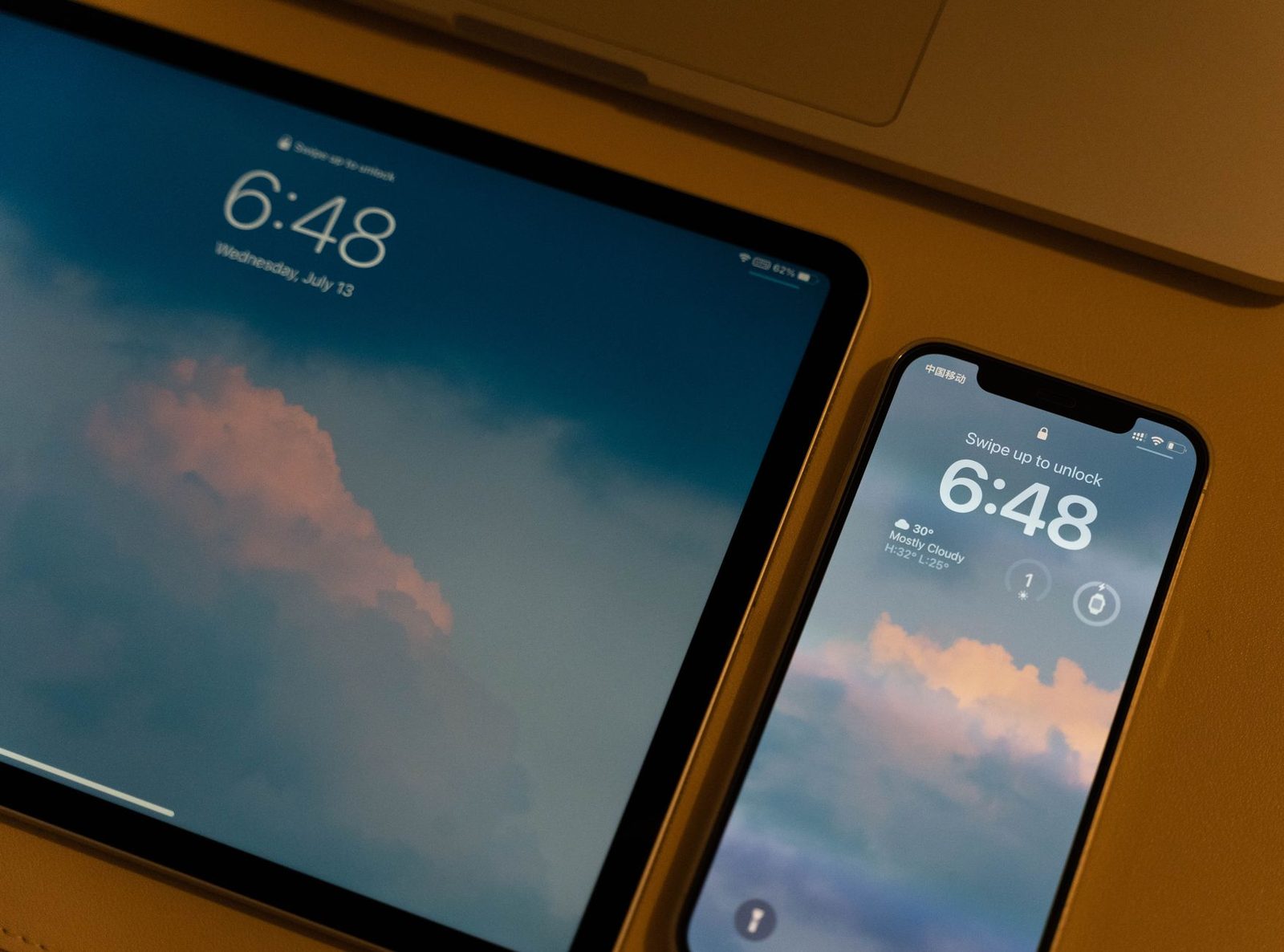
This setup frees your hands to concentrate solely on tapping or sending via the browser's touch screen keyboard. It significantly improves message delivery success rate and reduces eye or manual fatigue.
Conclusion: A Simple Tool, Not a Technical Limitation
In 2026, we should not discard digital tools simply because they are complex. The web offers an intermediate space where advanced technology (secure hosting) meets user interface simplicity for the end-user.
For those looking to send text without sign-up (Ad-free and Drafting), these solutions remain cornerstone of basic digital autonomy. Whether warning a senior member about visit, or coordinating quick meeting where main phone occupied by important voice call.
Don't forget that flexible case (case cover) plays its role in maintaining solidity physical support on which you write message. A well-maintained device guarantees fluid user experience without fear of breakage interrupting essential communications.
In short, preferring simple web tools doesn't mean choosing less reliable service technically, but rather adopting safest and most accessible interaction method to guarantee message arrives well at recipient. Simplicity of web interface is best shield against human errors in drafting or sending.
Related Product Mentions (Natural Suggestions) :
- Fast USB-C Phone Charger for maintaining sufficient autonomy during prolonged writing sessions on the move.
- High-Definition Touchscreen Tempered Glass to ensure perfect text readability without annoying reflections when typing on device.
- Universal Induction Rechargeable Phone Stand which allows leaving apparatus freely in vertical position.
- Anti-Shock Silicone Soft Case Sleeve designed to protect screen and edges of smartphone when holding tool for sending with multiple hands or difficult conditions.
- Ergonomic Wireless Touchscreen Keyboard mentioned here as alternative if using laptop connected to text web service via email-to-SMS (in specific context of gateways).