Short answer: there are three ways to send the same SMS to several people from a computer. A group conversation (Google Messages for web, Messages on Mac) puts everyone in the loop and each person sees the others' replies. Individual broadcasting sends the same text separately to each number, with no recipient seeing the others. Beyond roughly thirty numbers, only an SMS gateway can handle the load without being blocked by the carrier.
A schedule change for training, a move to announce, an appointment reminder for fifteen clients: as soon as you go past three recipients, thumb-typing becomes absurd. A computer keyboard solves the comfort problem, but not the main question: should you create a group or send messages one by one? The two produce completely different effects on the person receiving them — and one of them can land you in trouble if you're writing to clients.

What is the difference between a group SMS and an individual broadcast?
A group SMS creates a shared conversation: every number is visible to everyone, and each reply goes out to the whole group. An individual broadcast sends as many separate messages as there are recipients: nobody sees the others, and replies come only to you.
The confusion is common and the consequences are immediate:
| Group conversation | Individual broadcast | |
|---|---|---|
| Numbers visible to others | Yes | No |
| Replies | Visible to all | Private |
| Personalization (first name, time) | Impossible | Possible |
| Technology | Usually MMS or RCS | Standard SMS |
| Suitable use | Family, friends, carpooling | Clients, patients, school parents |
On Android as on iPhone, a group conversation generally switches to MMS or RCS as soon as there are several recipients — that's what makes everyone's replies visible. On the billing side, MMS isn't always included in unlimited plans the same way SMS is: if you plan to use it often, look up your plan's price list first (Orange, SFR, Bouygues Telecom, Free Mobile).
Remember one simple rule: as soon as the recipients don't know each other, individual broadcasting is mandatory. Displaying the mobile numbers of twenty clients to twenty other clients amounts to disclosing personal data to third parties, which the CNIL considers a breach of the GDPR — the equivalent of the notorious "email with visible recipients" that has earned formal warnings for many organizations.
How do you send an SMS to several people from your PC?
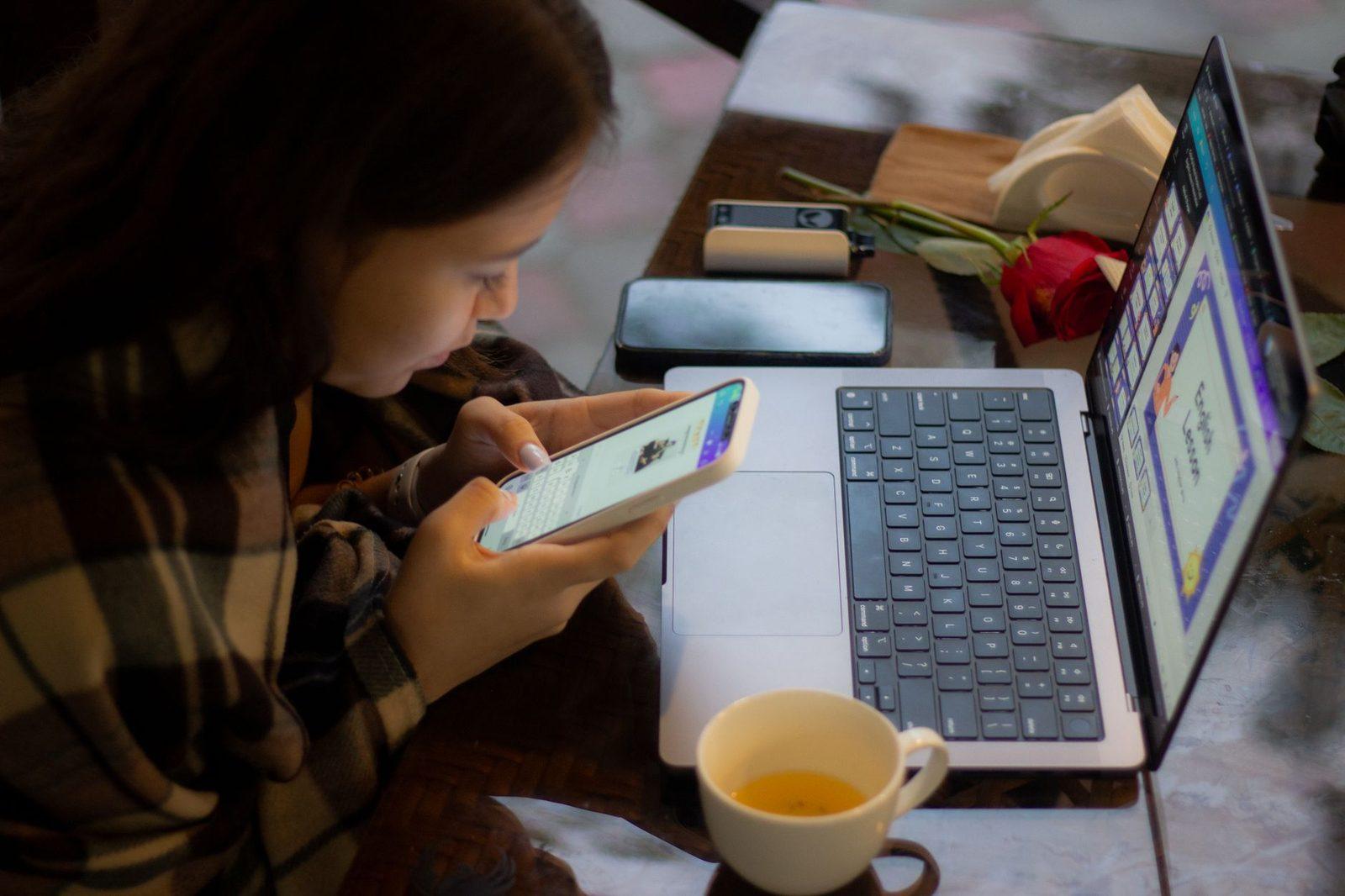
With Google Messages for web, by adding several recipients to a new conversation. It's the simplest route when your phone runs Android: you compose on the keyboard, and the message goes out through the phone's mobile line.
- On the phone, open Messages → menu → Device pairing.
- On the computer, go to
messages.google.com/weband scan the QR code displayed. - Click Start chat, then the group icon.
- Add the numbers or contacts one by one, write your message and send.
One current caveat: Google announced in 2026 that QR code pairing would be gradually phased out in favour of a connection tied to your Google account. The principle stays the same, but the exact path may change from one version of the app to another — check the official Google Messages help page if your screen doesn't match.
On a Mac, the Messages app does the same thing for iPhone lines, provided Text Message Forwarding is enabled in Settings → Apps → Messages → Text Message Forwarding on the iPhone. On Windows, Phone Link also relays SMS from an Android phone, with more limited group handling.
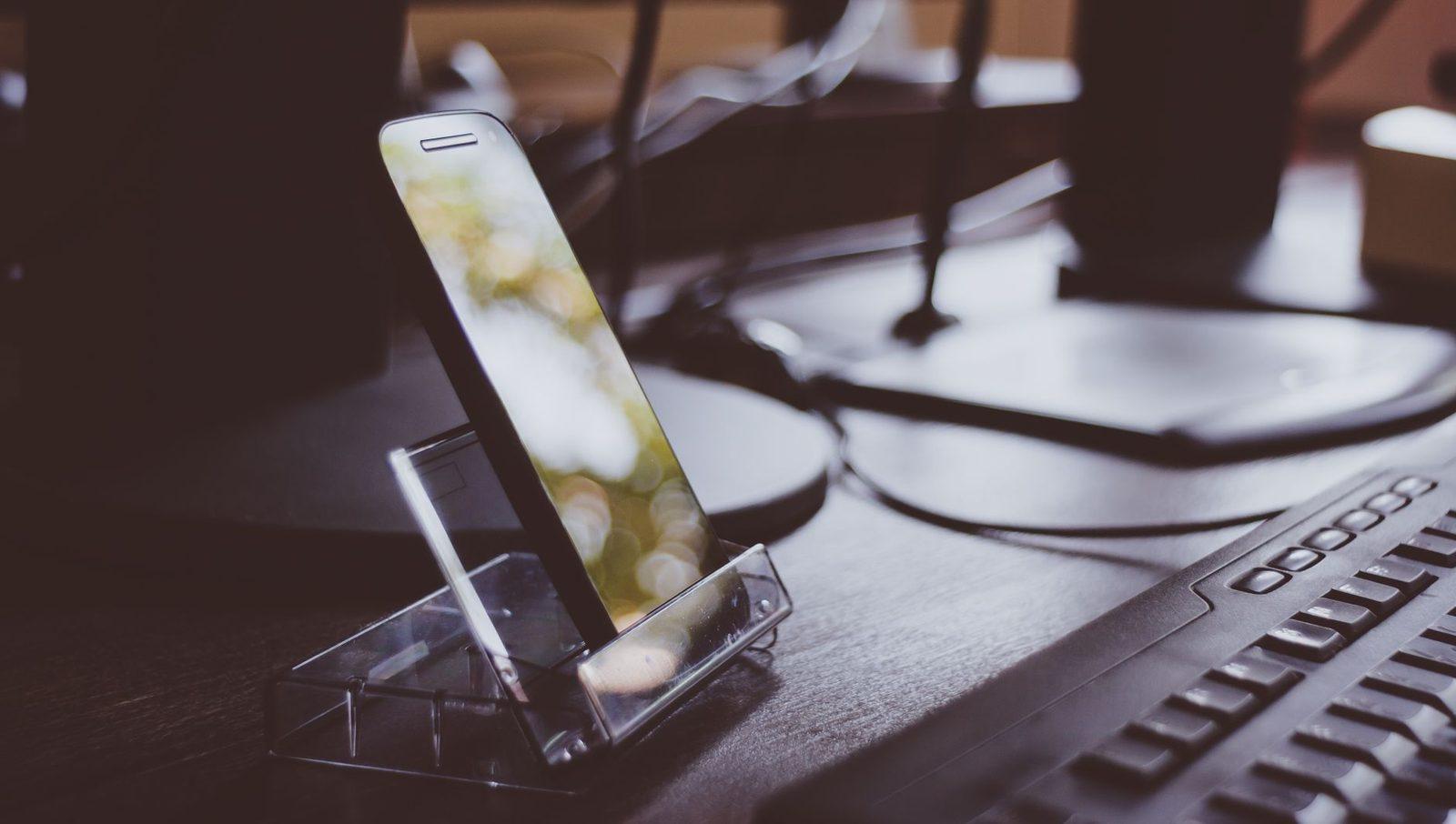
In all three cases, the same weak link comes back: it's the phone that does the sending. If it's out of battery or out of network coverage, nothing goes out. A smartphone charging dock placed next to your screen settles the matter once and for all, especially if you run sessions of several dozen messages at a time. The same reasoning applies to scheduling an SMS from your PC or Mac: the device has to be switched on at the appointed time.
Can you send a group message from a free SMS website?
Rarely, and never in volume. Free online services are designed for one message to one number: they limit the number of sends per day and per IP address, precisely to avoid becoming a spam machine.
That's a design constraint, not a flaw. A site that accepted a thousand anonymous sends per hour would be used for smishing within days, and its routes would be cut off by the carriers. Daily quotas and anti-bot checks are exactly what allows these services to survive long term. The delivery mechanics are explained in our article on how sending a free SMS online works.
In practice, for a one-off send to two or three people, a free service does the job: you just repeat the operation. Beyond that, the time spent and the risk of being blocked make the method untenable. Better to prepare your texts properly and use the right method first time — the free SMS sending page remains perfect for a single, urgent message.
At how many recipients do you need an SMS gateway?
In practice, from 30 to 50 regular recipients onwards. Mobile carriers apply anti-abuse thresholds to consumer lines: a phone that fires off hundreds of identical SMS in a few minutes is flagged as a spam source and may see its messages throttled or suspended.
An SMS gateway is a professional service that injects messages directly into carrier networks, through a web interface or an API. It brings three things a mobile line can't offer:
- Throughput. Several thousand messages per hour, with no risk of being blocked.
- Field-level personalization. A CSV file with first name, date and time, plus a template like "Hello {first name}, reminder of your appointment on {date} at {time}".
- Real delivery receipts. The status returned by the carrier's network, not just a send confirmation — a distinction explained in our article on SMS delivery and read receipts.
The cost is counted per message, from a few cents down to less than a cent depending on volume; rates change, so check the price list published by the provider you have in mind. For an association notifying fifty members three times a year, the bill stays symbolic. For a practice sending two hundred reminders a month, it compares very favourably with the cost of a missed slot.
If you're building a weekly sending routine, a desk notepad with weekly planner layout or a simple binder of printed templates saves you rewriting the same texts: you'll gain more time there than on choosing the tool.

What legal rules govern a professional group SMS?
Two texts cover the essentials: the GDPR for personal data, and, for marketing, article L.34-5 of the CPCE (Code des postes et des communications électroniques). The basic rule: prior consent for a commercial message to a private individual, and a way to opt out in every message.
What the CNIL sets out on its website for SMS marketing:
- Consent must be freely given, specific and collected before sending. A pre-ticked box in a form does not count as consent.
- Each marketing text has to let people unsubscribe easily — usually with the wording "STOP au 36111" or the equivalent provided by your service provider, in line with the scheme managed by AF2M.
- The sender must be identifiable in the body of the message: a short number or a letters-only sender name doesn't tell people who you are, so name yourself ("Garage Martin", "Cabinet Dupont").
- Purely relationship-management messages — appointment reminders, order confirmations, service information — are not marketing and don't require the same consent, provided you slip no commercial offer into them.
As for timing, no law formally prohibits an SMS on a Sunday, but the rules on telephone canvassing set by decree in 2022 (Monday to Friday, 10am-1pm and 2pm-8pm) provide a common-sense standard that most professionals also apply to SMS. Sending a commercial follow-up at 10.30pm is the best way to collect "STOP" replies.
For recipients registered with Bloctel, the opt-out covers voice telephone canvassing, not SMS: don't count on it to clean up a file of mobile numbers. The only list that counts is your own, kept up to date with unsubscribes.
How do you stop a message being split into several parts?
By staying under 160 characters and avoiding emoji. Ordinary texts use the GSM-7 alphabet, which allows 160 characters; a single emoji or unusual character switches the whole message to UCS-2, where the limit drops to 70 characters.
Beyond that, the message is split into concatenated segments. Display usually looks fine on the recipient's side, but each segment is billed separately by a gateway, and each segment loses 7 characters to reassembly data (153 usable characters per part in GSM-7). A 170-character text therefore costs two SMS for ten words too many.
Three habits for a clean group send:
- Count before you send. The SMS character counter shows the number of segments and the encoding detected.
- Shorten your links, but test them: an unfamiliar shortened link in an unsolicited SMS looks a great deal like a scam and sends click-through rates plummeting.
- Cut the long formulas. "We would like to inform you that" weighs 32 characters for zero information. Our guide on writing an effective SMS in 160 characters details the cuts that lose nothing in meaning.
If you often proofread long screens of text, a keyboard wrist rest genuinely changes the comfort of an hour spent preparing templates — a trivial detail with an immediate effect.
Our short templates for a group send
Four tested texts under 160 characters, to adapt as needed:
Schedule change (association) — "Club de Vals: Wednesday's training moved to 7pm in gym B. Please confirm you'll be there by replying to this text."
Family invitation — "We're celebrating Grandma's 70th on Saturday the 14th at noon at our place. Let me know if you're coming and how many, I'll handle the food!"
Client reminder — "Garage Martin: your vehicle is ready, workshop open until 6pm. Tel. 04 00 00 00 00."
Service information — "Pharmacie du Parc: exceptional closure Thursday 22/10. On-call service provided by Pharmacie Centrale."
For a wider bank of texts sorted by occasion, the SMS examples section and our 20 appointment reminder templates cover most everyday professional situations.

Frequently asked questions
How can I send an SMS to several people without them seeing each other?
Avoid the group conversation and send the message separately to each number, or use the "broadcast" / "broadcast list" feature of your messaging app where it exists. With an SMS gateway, sending is individual by default: each recipient gets a message that appears to be addressed to them personally.
Does a group SMS cost more?
An individual SMS sent to ten people counts as ten SMS. A group conversation often switches to MMS, which isn't always included in unlimited plans the same way SMS is: check the price list for your plan.
Can you send a group SMS for free from a computer?
Yes, if your plan includes unlimited SMS: Google Messages for web, Phone Link or Messages on Mac relay your sends through your own line, at no extra cost. Free no-signup websites, on the other hand, limit the number of messages per day and aren't suitable for group sending.
Do you have to include "STOP au 36111" in every message?
Only in commercial or promotional messages. An appointment reminder, an order confirmation or a service notice doesn't need a STOP mention — but slip in the slightest offer and the message becomes marketing.
What's the maximum number of recipients in a group conversation?
It depends on the app and the phone: most tolerate between 10 and 25 participants. Beyond that, the experience degrades quickly — every reply goes to everyone — and individual sending becomes preferable, then a gateway once you pass a few dozen numbers.
Updated 17 October 2026. The exact paths within the Google Messages, Phone Link and Messages on Mac apps change with updates: if anything differs, refer to the publisher's official help page. Marketing rules are set out on cnil.fr and legifrance.gouv.fr.